Draw together
Choose blocks or stringers. Palo guides you from the top deck to the base.
DRAW YOUR PALLET. SHOW YOUR BRAND.
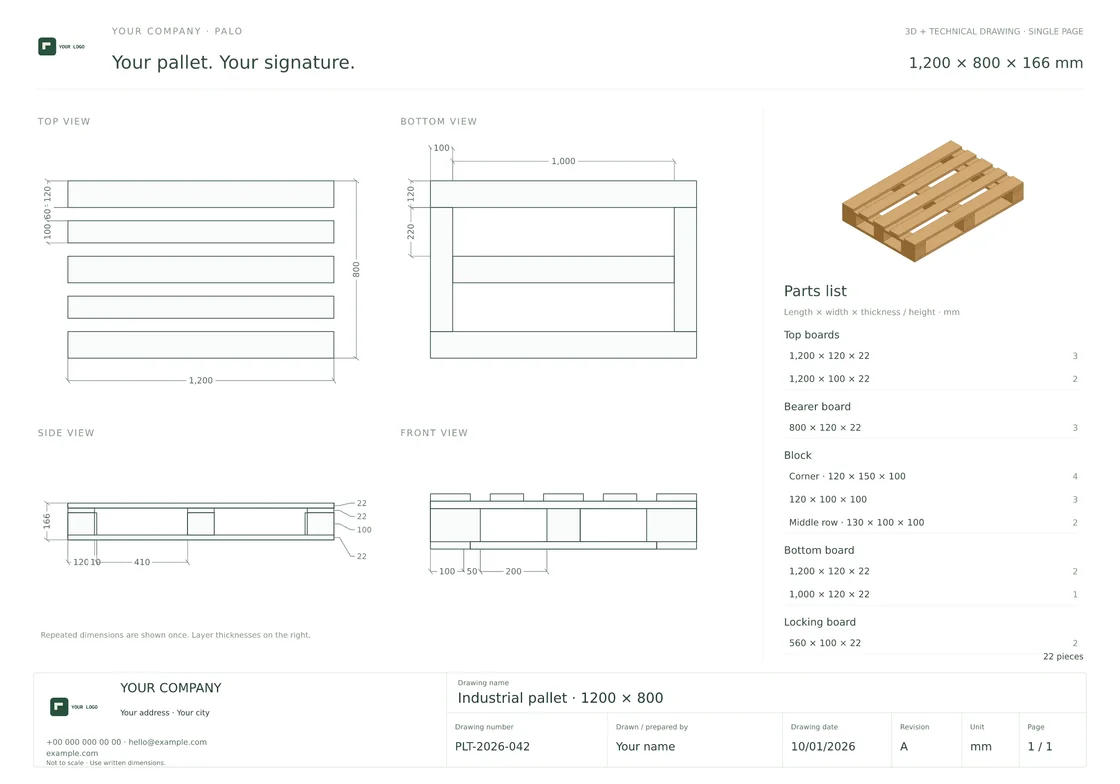
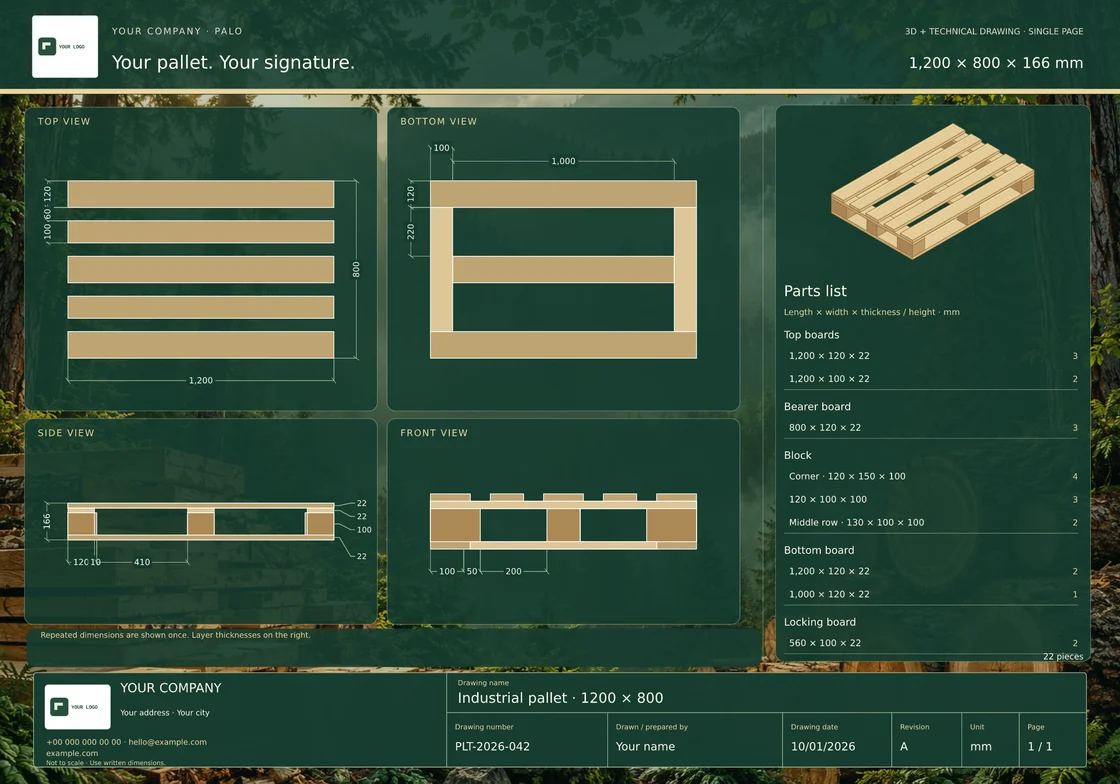
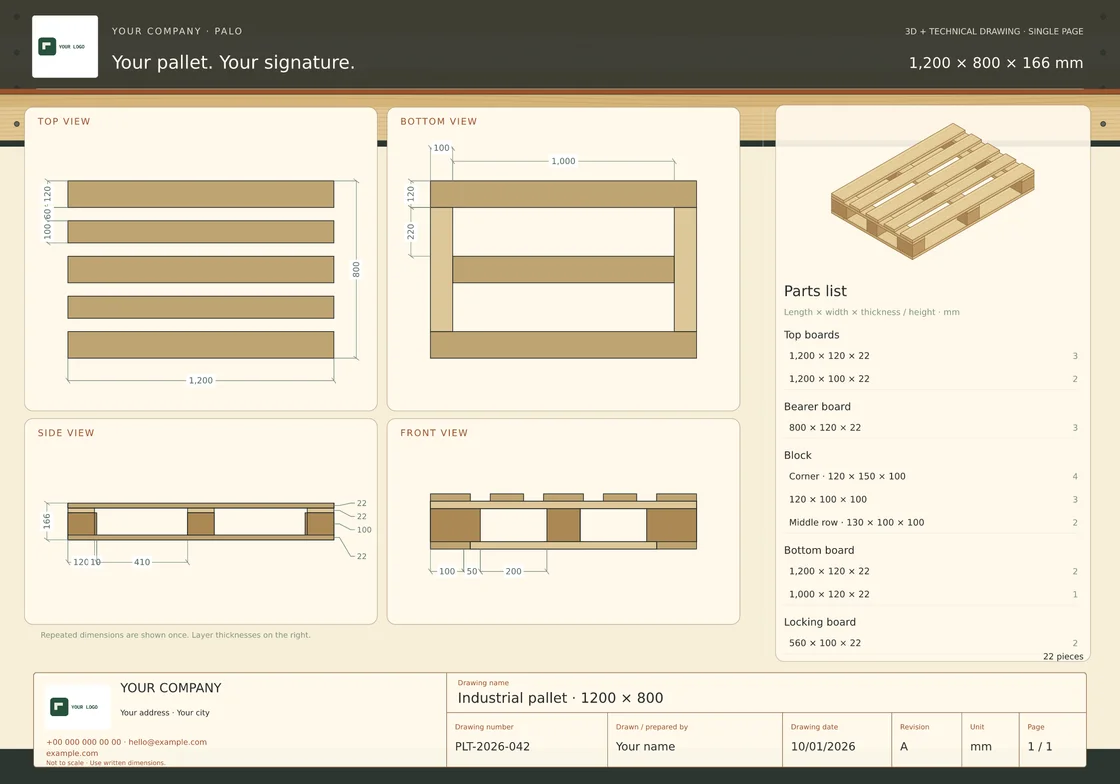
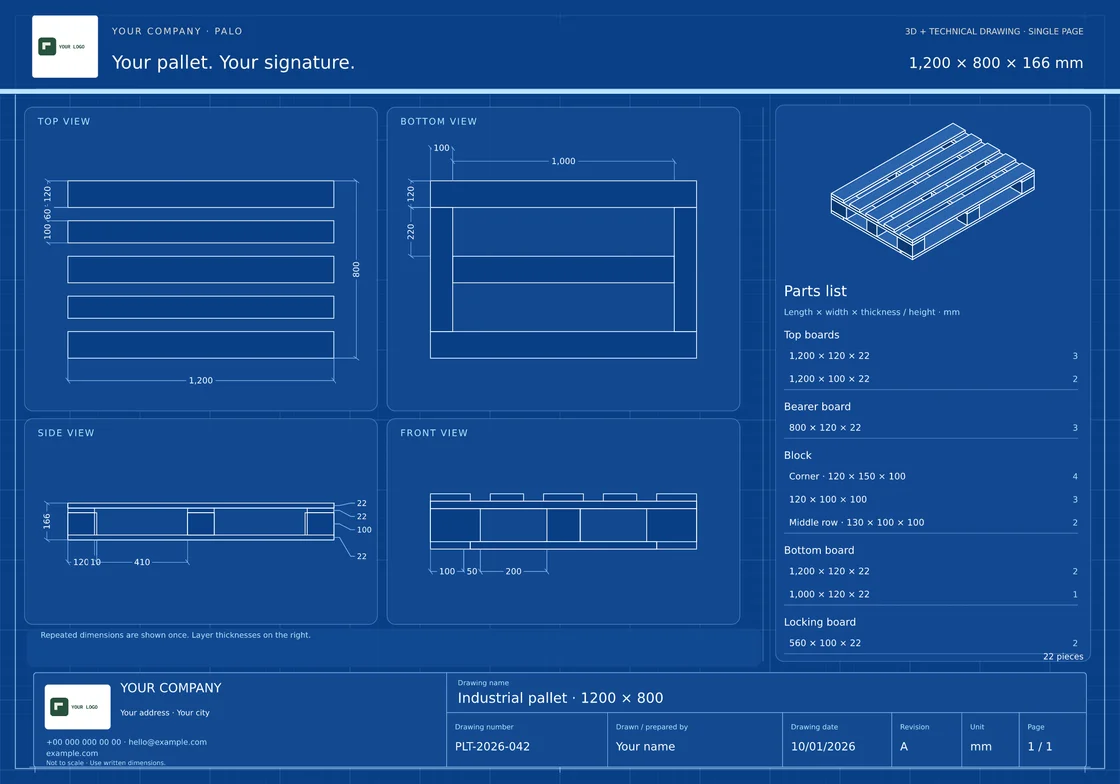
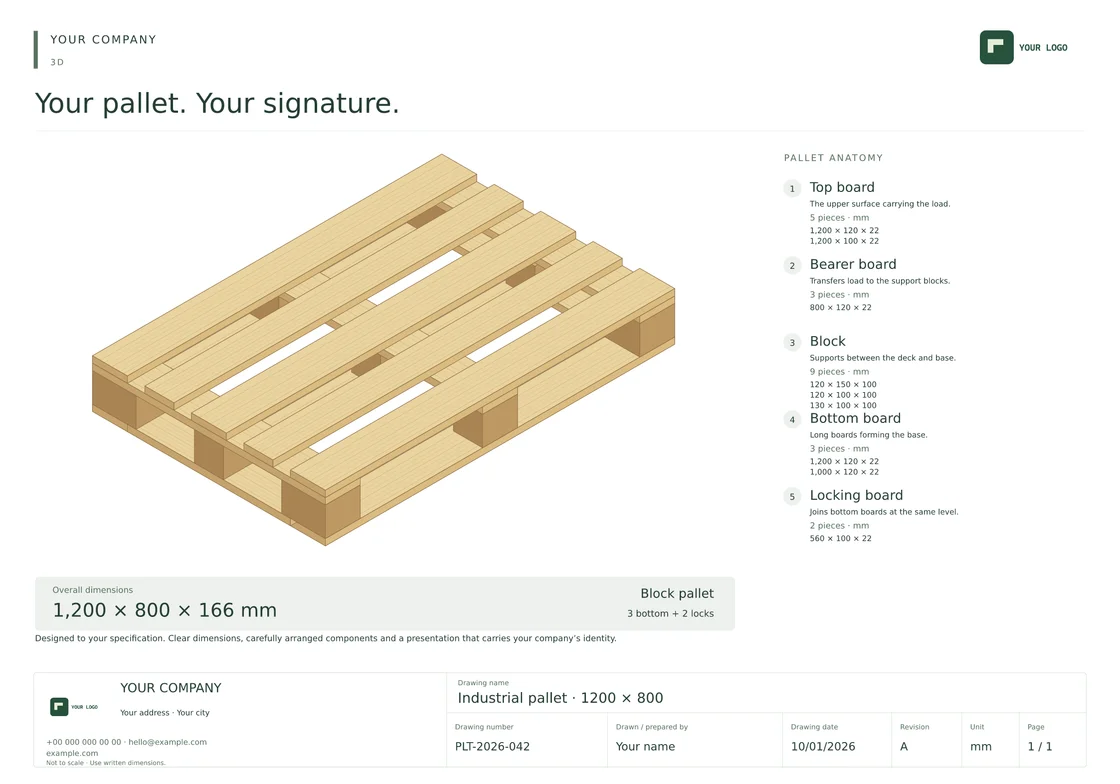
Palo asks for your dimensions and helps you build your pallet. Create a 3D view, dimensioned technical drawing and branded quotation from the same design.
✓ 3D, technical and combined PDFs
Your logo, company details and title block
Hi, I’m Palo. Let’s draw a pallet together.1200 × 800 mm · 3D + PDF
3D · PDF · Dimensioned technical drawings
A clear technical document or a memorable product presentation. Choose the style that suits your customer.
Quotations with your signature
Company name, address, contact details, drawn by, drawing number and revision, together on one document.
Start drawing with Palo ↗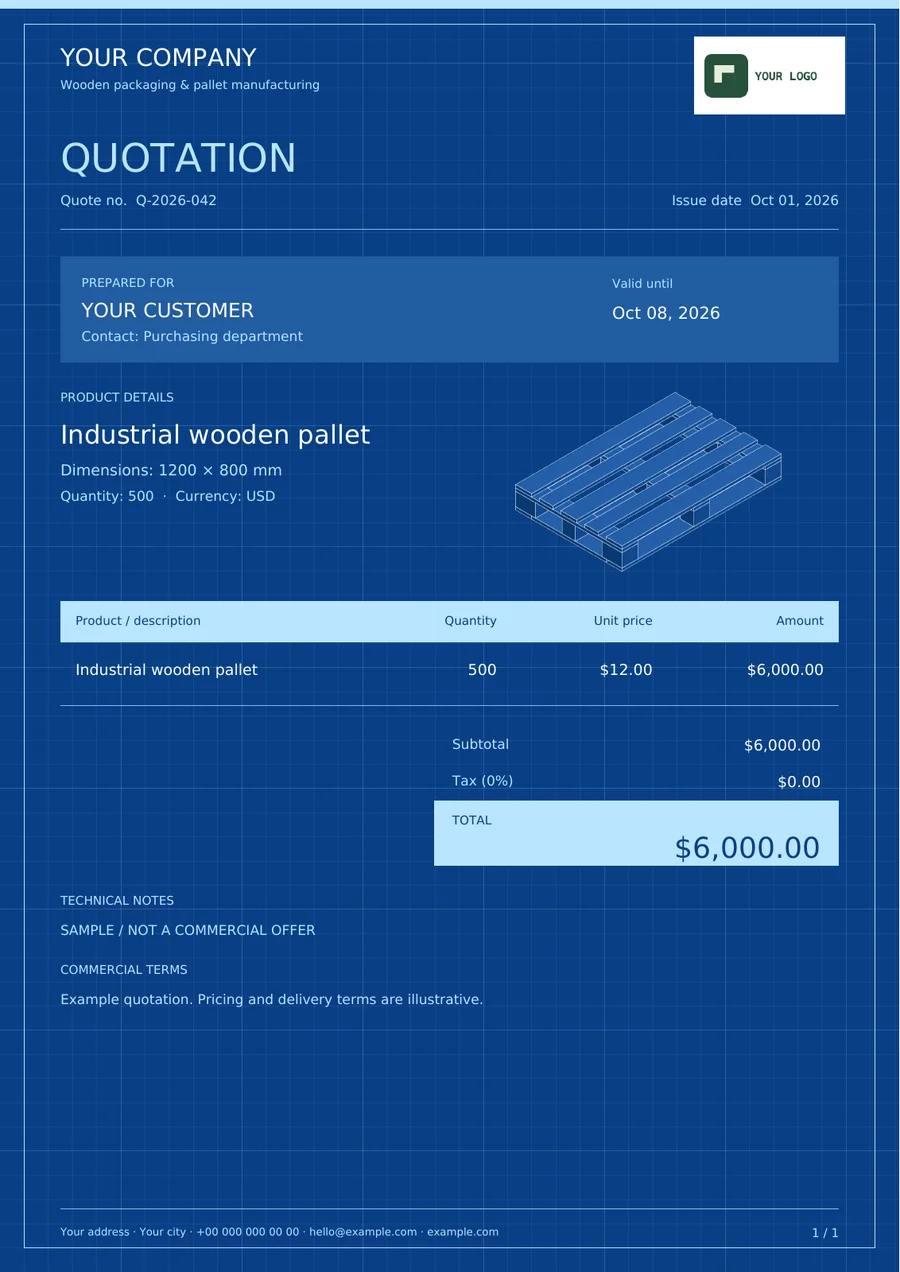
Choose blocks or stringers. Palo guides you from the top deck to the base.
3D, technical or both. Corporate or creative.
Add your company details and download your drawing and quotation PDFs.
One account for your designs, templates and quotations.
Choose blocks or stringers. Palo guides you from the top deck to the base.
3D, technical or both. Corporate or creative.
Add your company details and download your drawing and quotation PDFs.