 Maestro PaloPalletDrawing
PRODUCT IMAGES, POSTER, TECHNICAL PDF AND PRESENTATION VIDEO
Your drawing, at product photo quality.
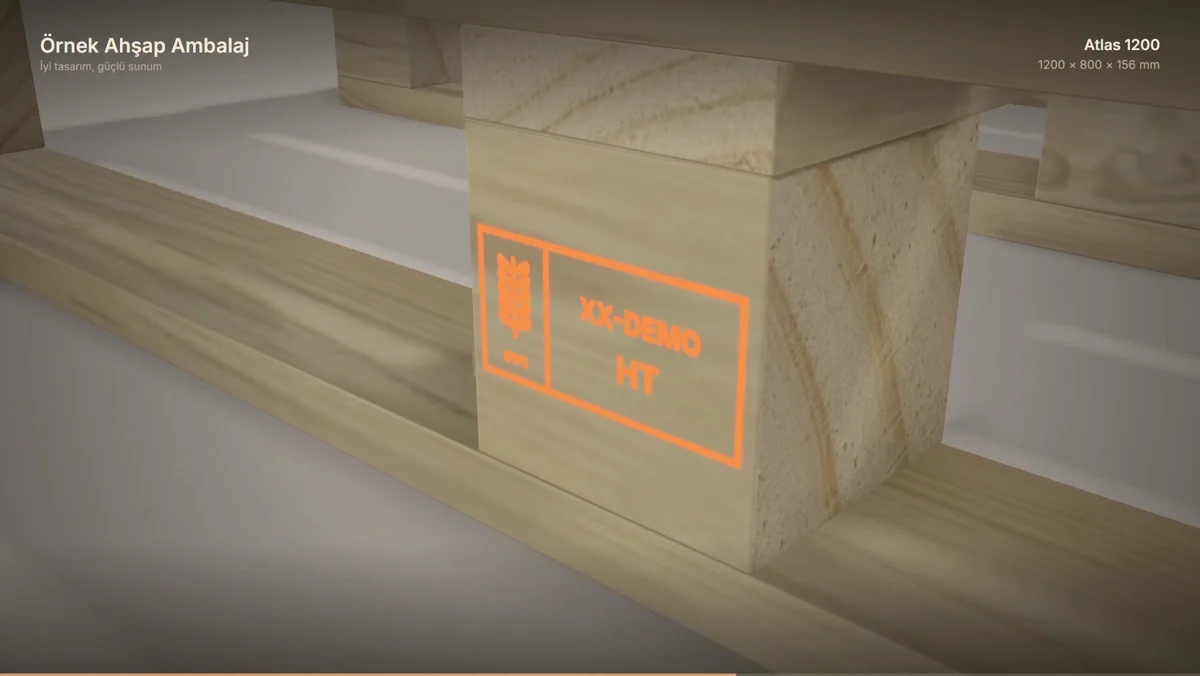
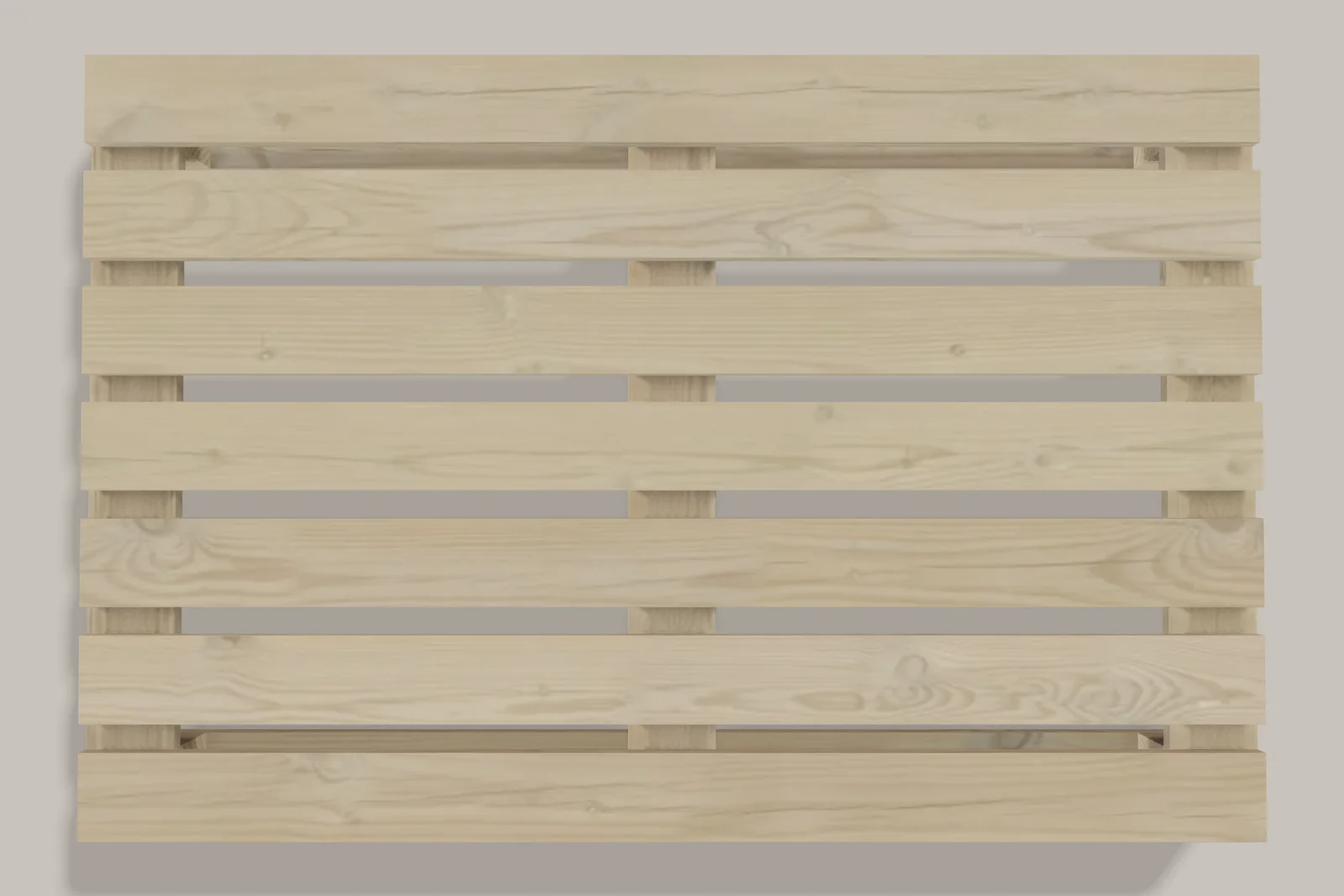
Maestro Palo takes your saved pallet or box into a three-dimensional studio: real pine grain, soft studio light, your company stamp and logo.
- Six product angles and saved camera positions
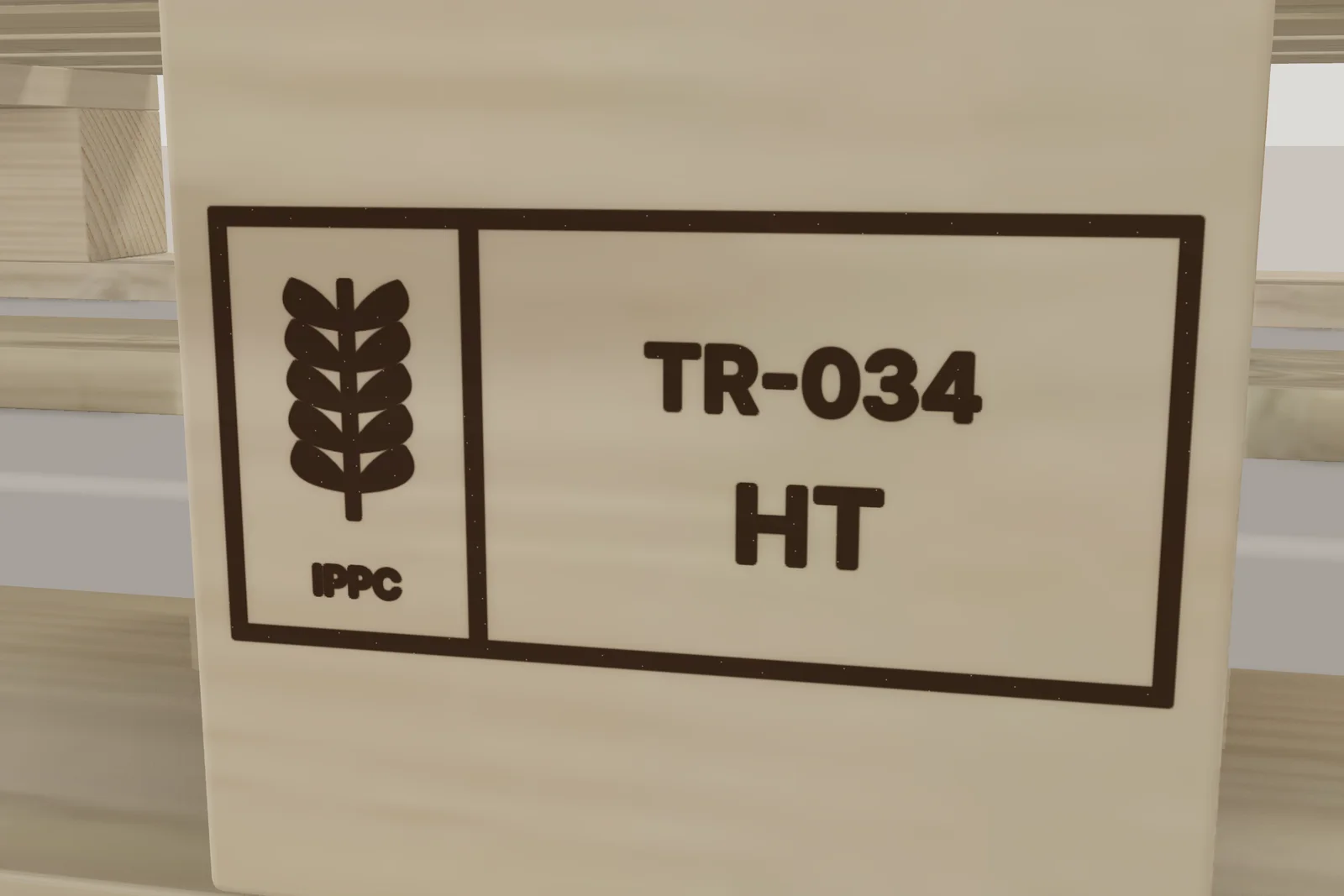
- Text, logo, ISPM 15, EPAL or barcode marks on boards and blocks
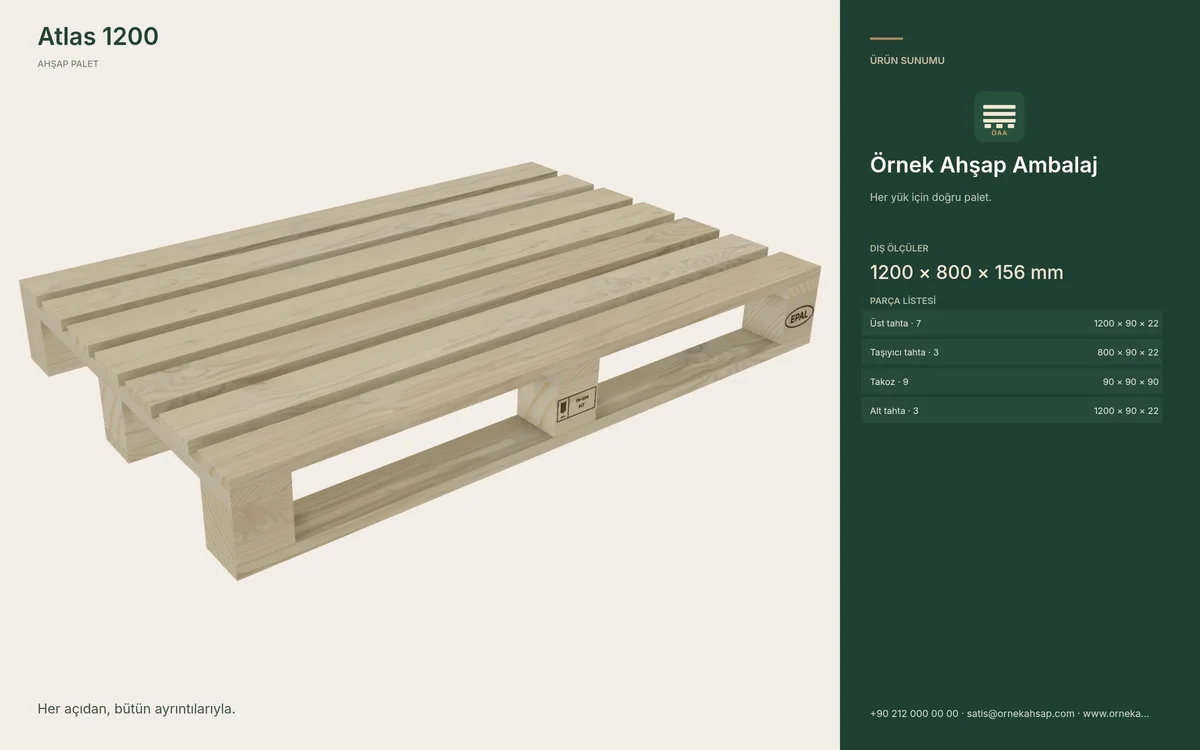
- Company presentation and a technical presentation PDF in nine languages
- A presentation package in one click
Create one 360p preview video. Choose Premium or Platinum for watermark-free 1080p video and high-resolution images.
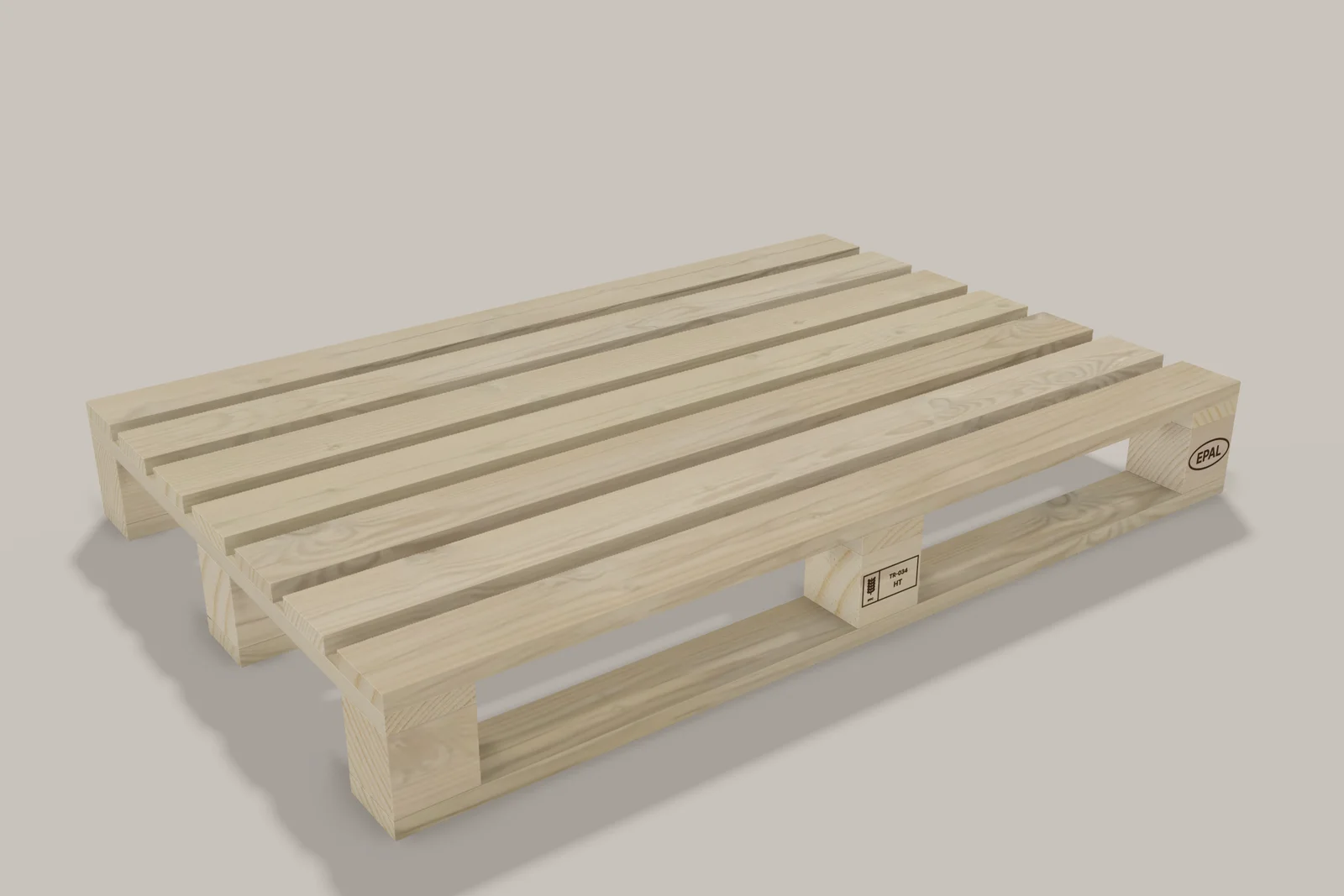
Results
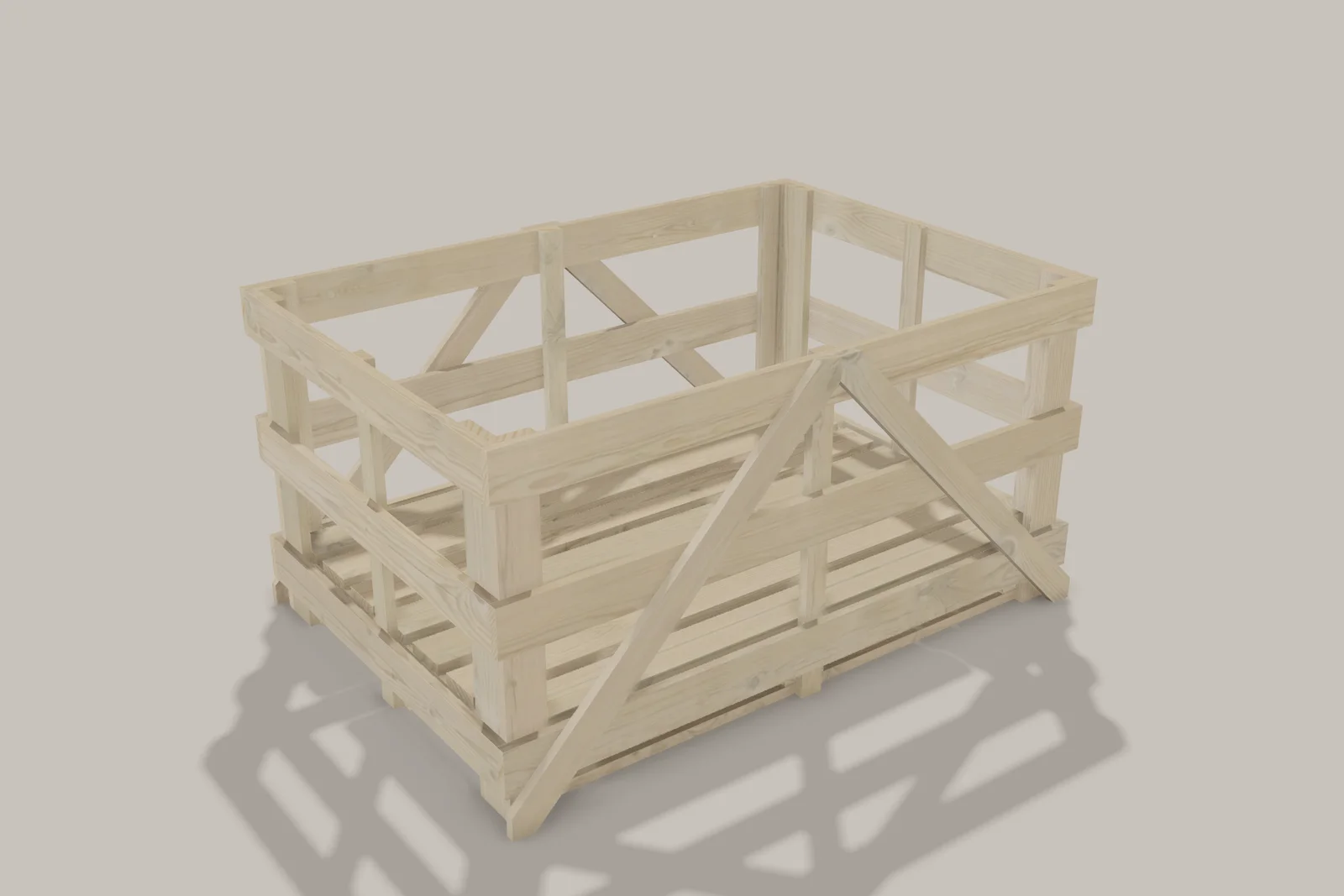
The images and the video below were produced with Maestro Palo from a sample company’s saved drawing; no other tool was used.
In three steps
- 01Bring your saved drawing
Your pallet or crate enters the studio as it is; the dimensions do not change.
- 02Add stamps and your logo
ISPM 15, EPAL, text or barcode; company name, tagline and logo.
- 03Download or make the video
Image, poster and PDF are ready at once; the presentation video is made on your device.